
Password Manager That Values Your Online Safety
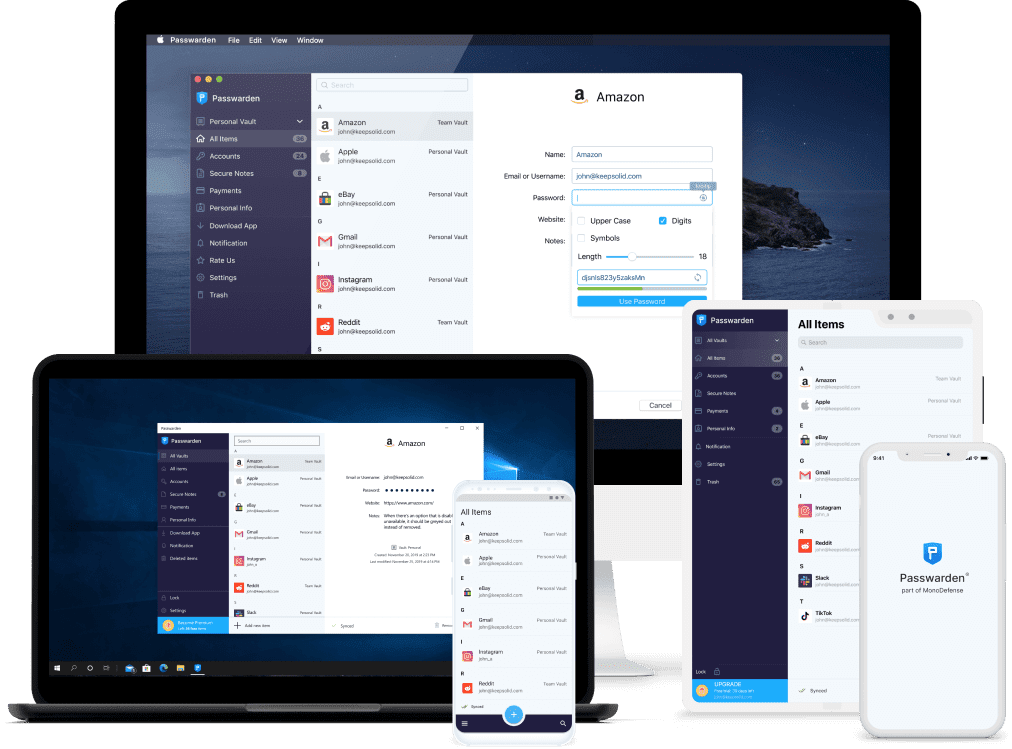
Try out our safe password manager right away!
Get started with Passwarden and ensure that your passwords, account credentials, and other valuable data secure from the sticky fingers of hackers and other cyber malefactors.
What Is Password Re-use Attack and How To Prevent It?
Have you ever heard about password-reuse attacks?
We want to uncover this case and give you a solution to prevent you from this kind of situation.
Generally speaking, Password-Reuse Attacks are possible if you are using one password on many different websites, as far as statistics tell us there are 51% of people reuse the same password over and over again on different resources.
You may ask, ‘How can thieves steal my password?’
There are many popular ways thieves could use to get to your data, but let’s talk about two popular methods of credentials theft:
- Thieves break into ‘put a name’ website, steal your data (e-mail and password) and if you have these exact credentials on any other website they can reach you there, further stealing your credit card data, as an example.
- Impostor websites. These websites are created to look like the original one where you have an account, the only goal of their existence is to trick you to fill up the ‘login form’. Usually, thieves craft e-mail lists to look like they're coming from the original website, but the link from this list is going to a ‘corrupted copy’.
So, what is the solution?
If you are that one person who reuses one password over and over again, we are kindly recommending you to use a password manager.
How can a password manager help you?
- Firstly, it is way easier to have multiple passwords in one application. With a password manager, you can forget about remembering tons of symbols, just enter your new password one time and autofill option will do the rest. But don’t forget to replace your old password once you installed an app.
- Secondly, password manager is a fantastic filter for those ‘phishing websites’, even if you were tricked to enter one of these websites our auto-fill option won’t recognise it and won’t enter your credentials.
- Thirdly, if you have more than five different accounts (nowadays, most people have at least ten accounts from different services), it will be way easier to track what exact services you are using constantly.
To Sum it up, we have an all-in-one solution for you - Passwarden by KeepSolid, safe Password Manager for those who value security.
To get Passwarden now all you need to do is:
- Pick the platform below
- Download Passwarden
- Open the app and enter your email address
- Confirm a sign-in code sent to your email
- Set up a master password and complete onboarding
Make sure that your password won't get reused by thieves!
Passwarden will prevent all data leakage by saving your credentials behind top-notch encryption protocols. We value your security!