На жаль, вміст цієї сторінки на даний момент недоступний обраною мовою.

Password Manager That Values Your Online Safety
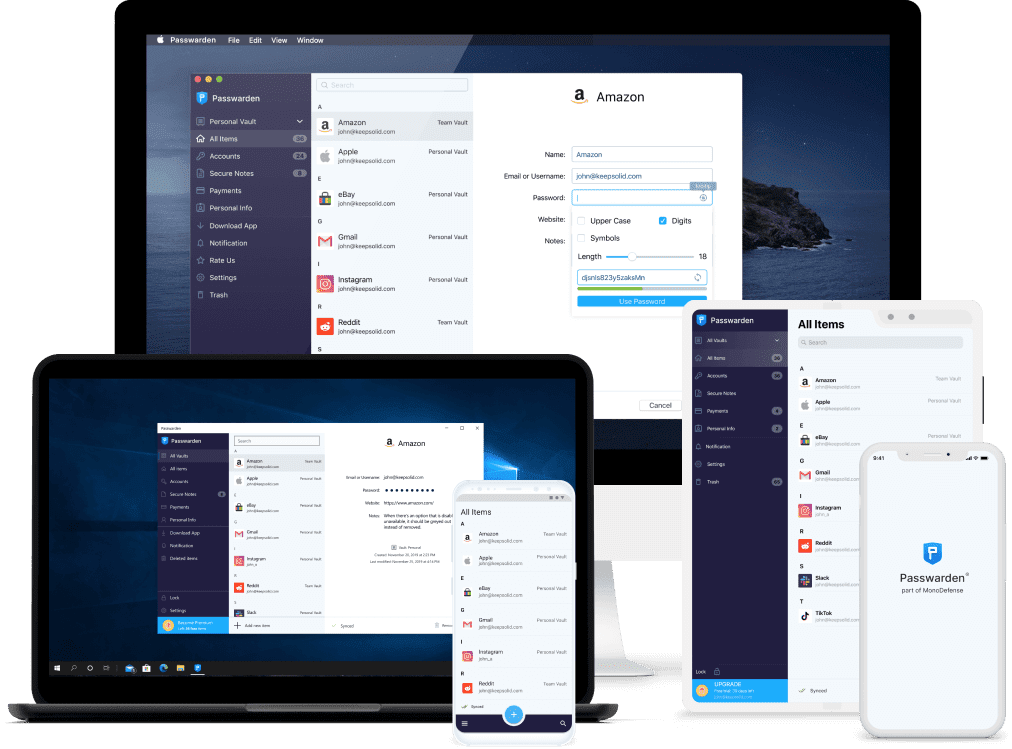
Features of Our Best Password Manager For Desktop

Top-notch algorithms
Passwarden implements symmetric encryption using the Advanced Encryption Standard. Also, for public-key cryptography, our Desktop password manager app uses top-notch ЕС р-384 protocol. Thus, you won’t have to worry about your data confidentiality and integrity.

Reliable data syncing
Passwarden doesn’t use any external services for data sharing or syncing. All in-app data is reliably stored in KeepSolid’s cloud. Thus, our customers can access their info from any part of the world without any hassle and risk.

Client-side encryption
To ensure maximum privacy, KeepSolid’s best password manager for Desktop provides client-side encryption. As a result, only scrambled data leaves the end user's device and transmits to Passwarden servers.

Storage for any data types
Passwarden by KeepSolid provides reliable storage for any type of data: passwords, logins, software licenses, ID cards, contacts, SSN, credit/debit cards, secure notes, and much more. Use one app for all private info and be sure it stays that way!

User-friendly data import
Download password manager for Desktop and transfer your data from almost any external source to Passwarden storage within seconds. Thanks to the Import Wizard, you don't have to do boring manual copy-paste work.

Convenient offline mode
Have no internet connection and need your account credentials or password? It’s not an issue at all! You can access your Passwarden storage even without an active internet connection. It's a great feature for logging in to apps that don’t require the internet.
Secure Your Desktop With Correct Password Manager Right Now!